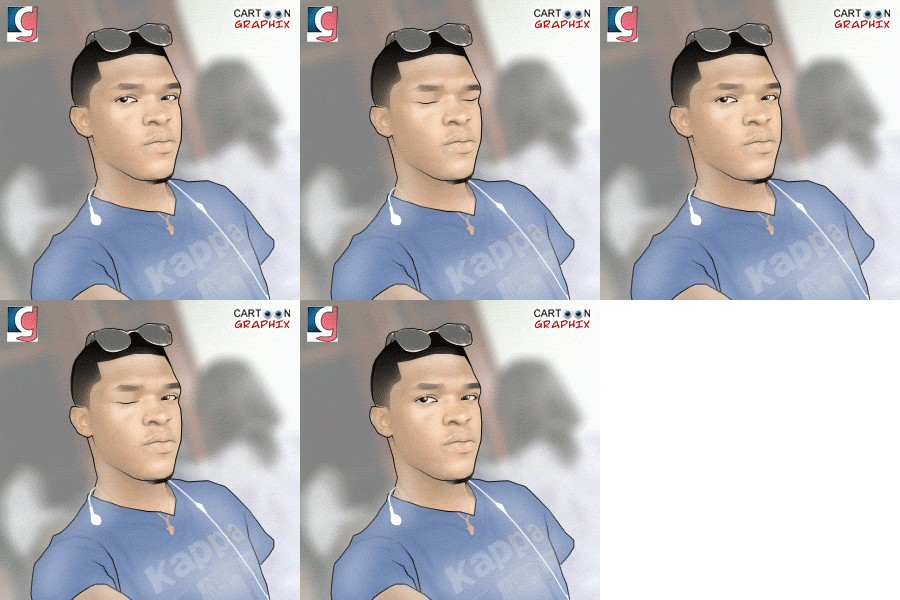
It has obviously become habitual that the cartoonized images have taken over profile pictures and blackberry messenger display pictures due to the uniqueness of this image to the users family and friends.
These are samples of the awesome animations and artworks.
You can design yours by adding pin: 22E16FF1 or by following on twitter: Laycon11
If you are interested in learning how this animations are been designed. Send ur email to lekzysalams009@yahoo.com.
This is a post Cartoon Graphics® came across on a very popular website www.melissaevans.com, useful for Cartoonizing images using Photoshop.
An image of Scarlett Johansson Line art.
First up I’d like to ease your mind and let you know that you don’t need to know how to draw to complete this tutorial. It’s basically tracing, except that tracing is alot easier in Adobe Photoshop. Creating line art with this technique will take several hours to do a good job…if you want a tutorial that just applies a couple of filters, then this tutorial is not for you!
1. Preparing the Layers
Open your photo in Photoshop. Rename the layer “original”.
If your picture is quite dark you will need to lighten it a little. The reason for this is that we will be tracing over the photo in black so we need to be able to see the lines we are creating clearly.
Adjust the Brighness of the photo Image >> Adjustments >> Brightness/Contrast… Duplicate the “original” layer. Rename this new layer “top”. Create two more new layers. Place them under the “top” layer.
Fill the layer closest to the “original” layer white and rename it “background”.
Leave the other layer transparent and rename it “line art”
Turn the visibility OFF for the “background” and “top” layers.< Visibility ON for the “line art” and “original” layers and the “line art” layer is active. See image below.
(All this organisation will be explained soon).
We are now set to create the line art.
Cartoon Graphics ® agent Blackberry pin: 22E16FF1